Getting started
Go from an empty project to a saved, system-aware scaffold model.
Laycraft guideOpen Laycraft in a current desktop browser. Have the scaffold system and approximate dimensions of the access area ready.
Go to app.getlaycraft.com and start a project.
Select the provider system that will be used on site. Its dimensions and connection rules remain attached to the model.
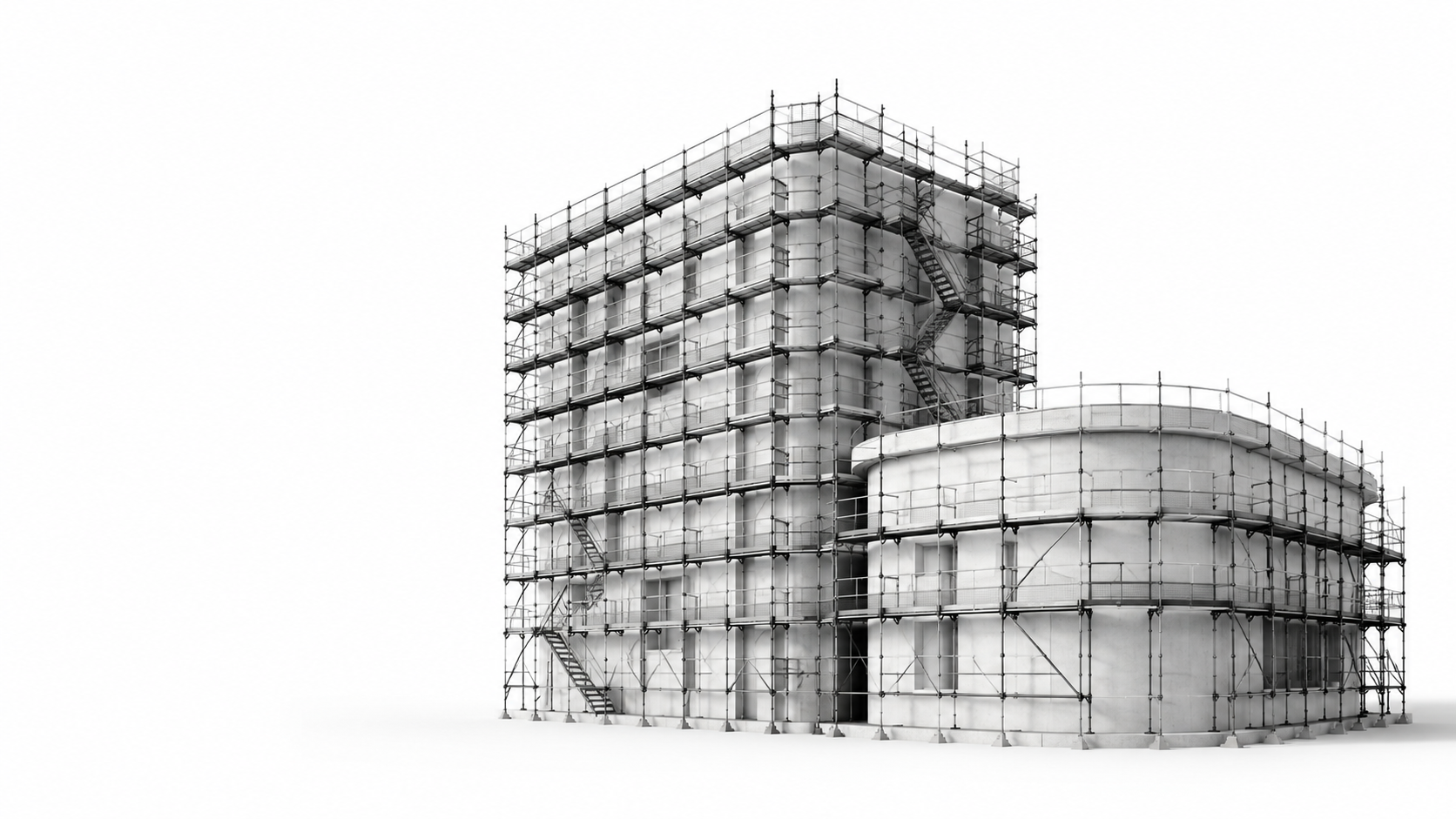
Use a starter scene or create reference geometry for the structure and access envelope.
Add bays and lifts, then inspect the result from multiple viewpoints.
Check the selected system, dimensions, access, and material quantities. Save a cloud revision or download a portable .laycraft project file.